Line-Following Robot CAD
Step 1: Preparation and Files
- Download the ZIP archive containing the parts used in this exercise.
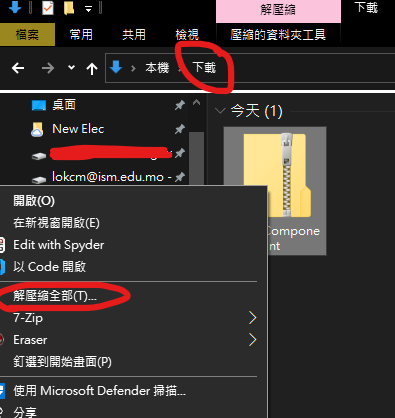
- Extract the archive.
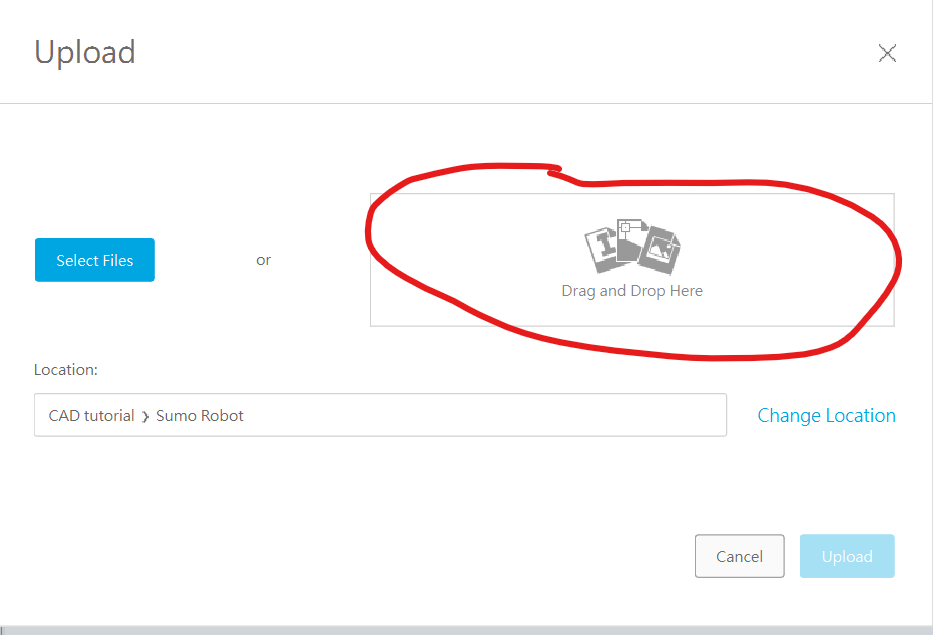
- Click
Uploadin the left sidebar of Fusion 360. - Drag the extracted files into
Drag and Drop Here, or clickSelect Filesand browse to their location.
Step 2: Build the Chassis
Draw the Chassis
- Start a new design.
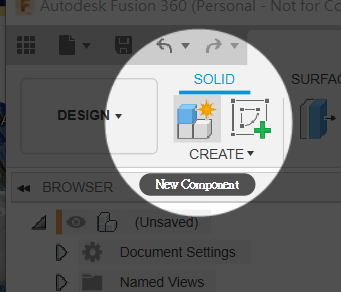
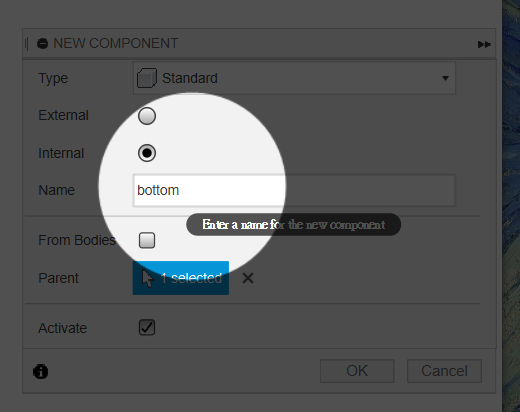
- Create a new component.
- Name it
bottom.
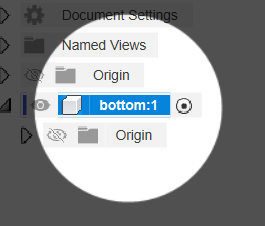
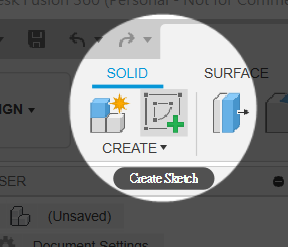
- Make sure the activation dot is beside the
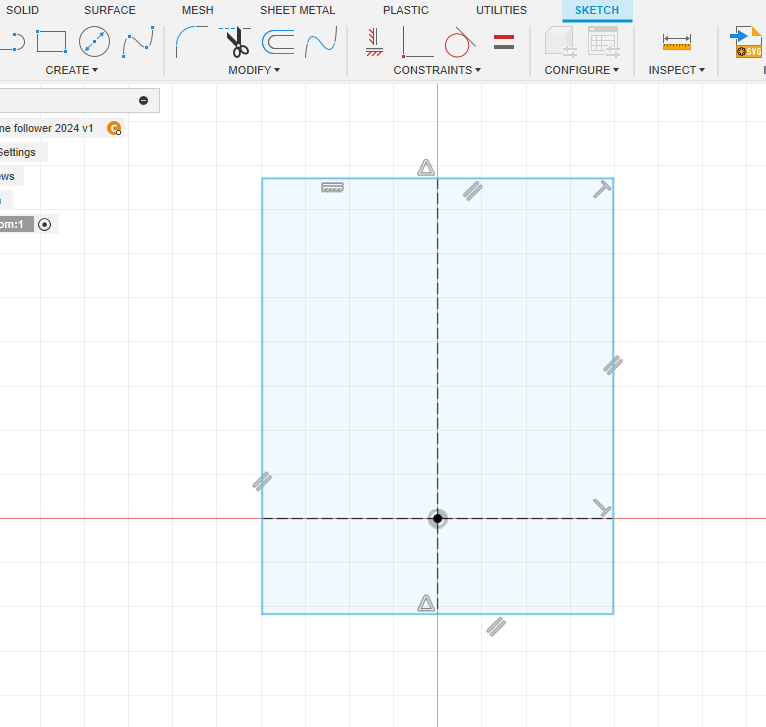
bottomcomponent. - Create a
new sketch.
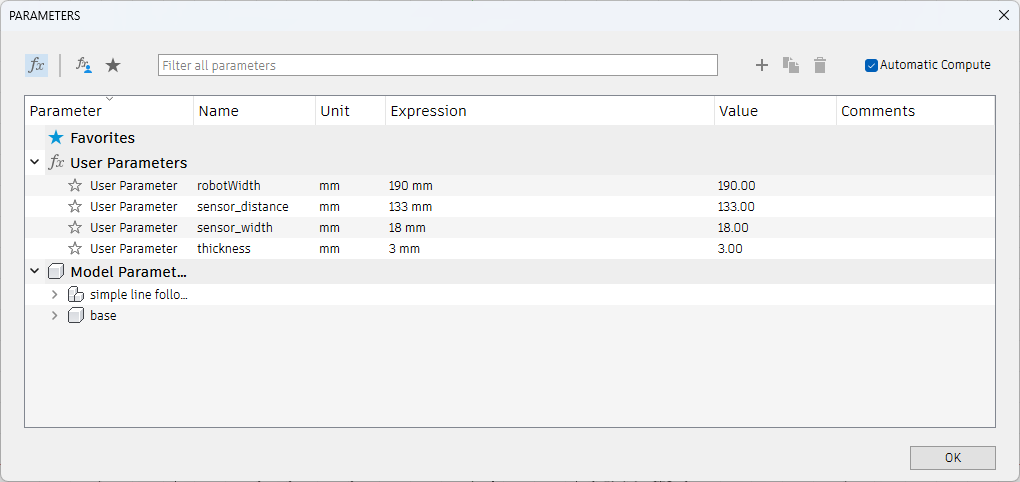
- Press
sand search forChange Parameters.- Add four parameters:
robotWidth,sensor_distance,sensor_width, andthickness, using the values shown.
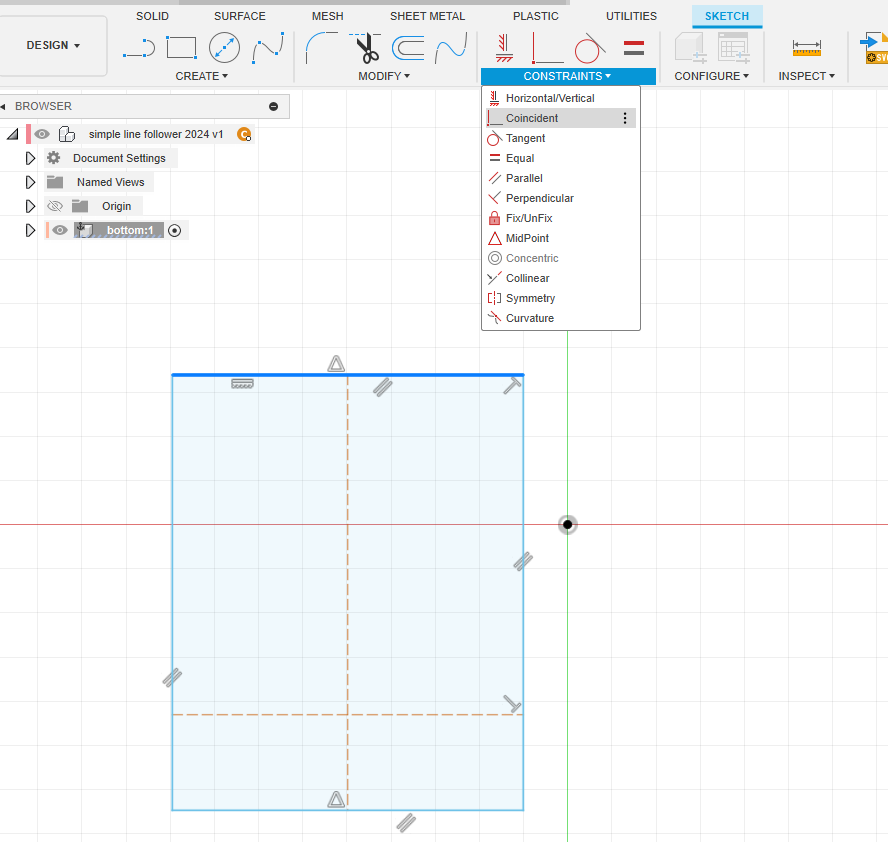
- Add four parameters:
Translation notice: This English page was generated automatically by AI and has not yet been reviewed by a human. It will be checked and revised page by page when time permits.